
The guild's companion for Aion 2
Your damage live over the fight, the guild's timers, the map and your pets - in one app built by the guild, for the guild. It only opens for its members.
 02:47
- Sorcerer52.4k31.5%
- 2You46.9k28.2%
- 3Gladiator38.1k22.9%
- 4Cleric28.9k17.4%
Inside
One app for the guild's game
A window of its own with the guild's pages, and overlays that sit over Aion 2 only while it runs. It can start with Windows and waits in the tray.
Meter
Everyone's damage, live over the fight - read from what the game already tells your PC.
- Damage per second, total and share for every player, updated twice a second.
- Click a row for every skill behind the number: casts, crits, perfect and back attacks.
- Your row lit without setting anything, and every fight kept on your PC to read again.
Timers
The guild's world bosses, rifts and resets, counting down where you need them.
- Pick them on the site's timers board, and they count down over the game, lit in their colour in the last minutes.
- The app's home shows the next ones tonight, to the second.
- The game has to run windowed or borderless for anything to sit over it.
Map
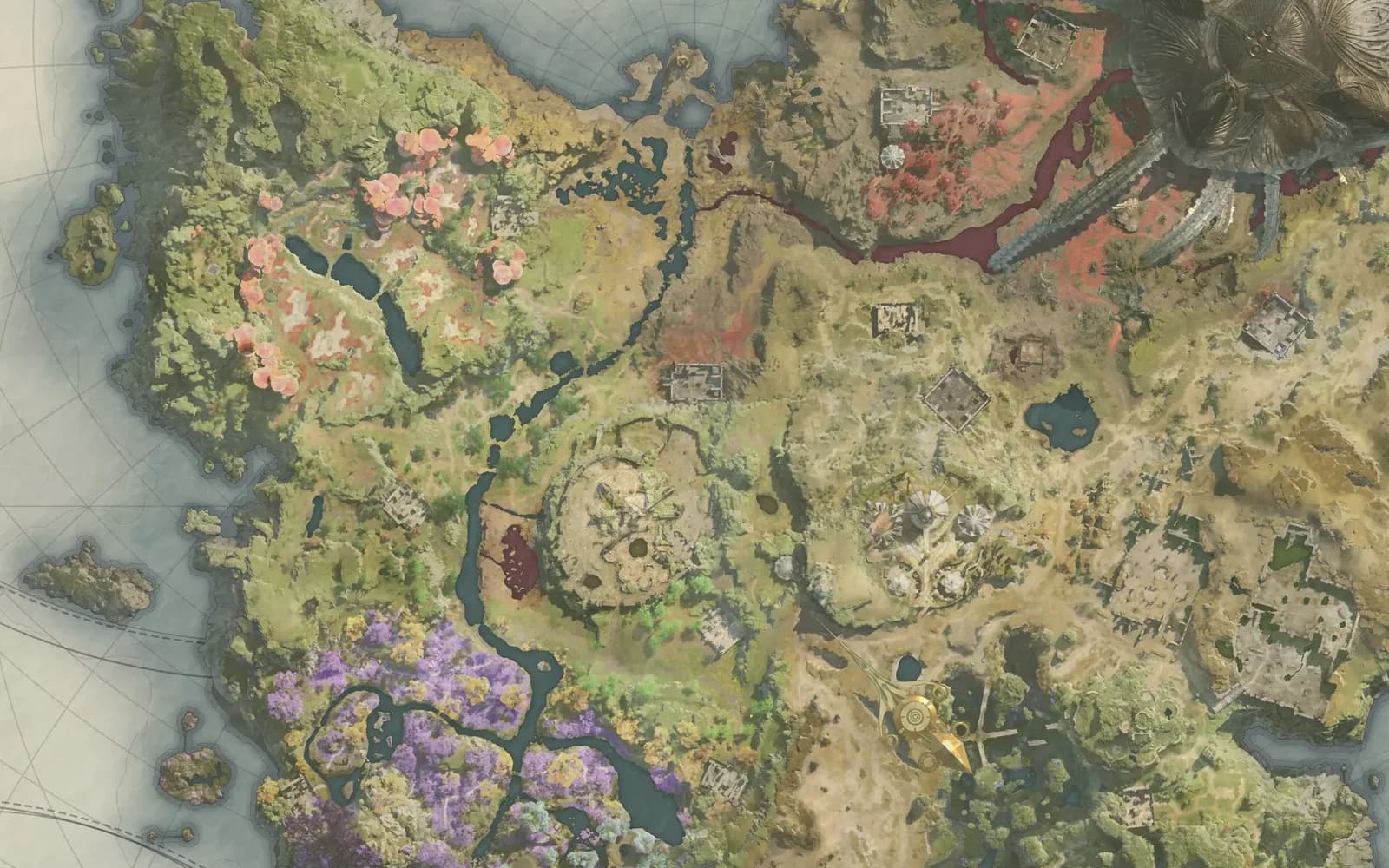
Every continent of Aion 2 with its gathering spots, monsters and bosses - the guild's own map, in the app.
- Search a name and the map goes straight to it.
- Your own pins and routes, kept with your account.
- Tick what you have found and hide it from the map.
Pets
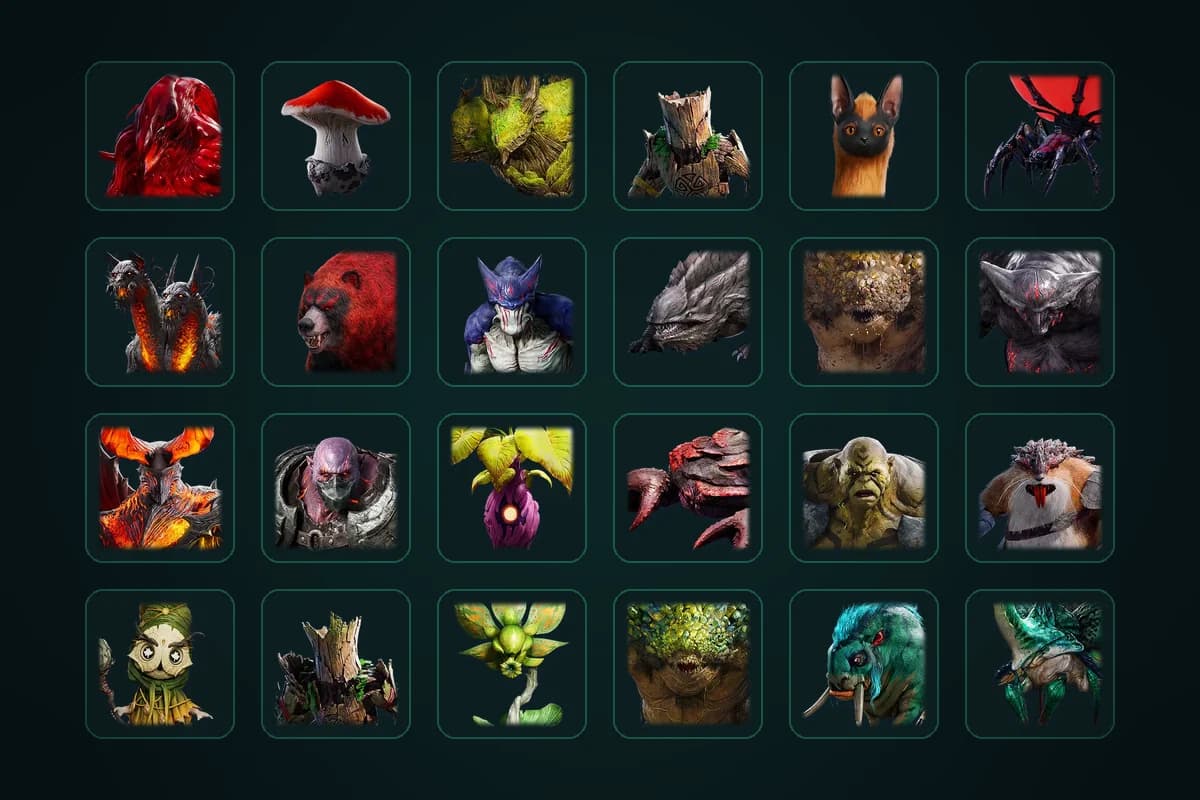
Your collection, character by character, and where to farm what is missing.
- Each pet's level for every character, set in a click.
- Where to farm tonight: the three maps that finish the most of your missing pets.
- Any pet's monsters lit on the map in one click.
Rank
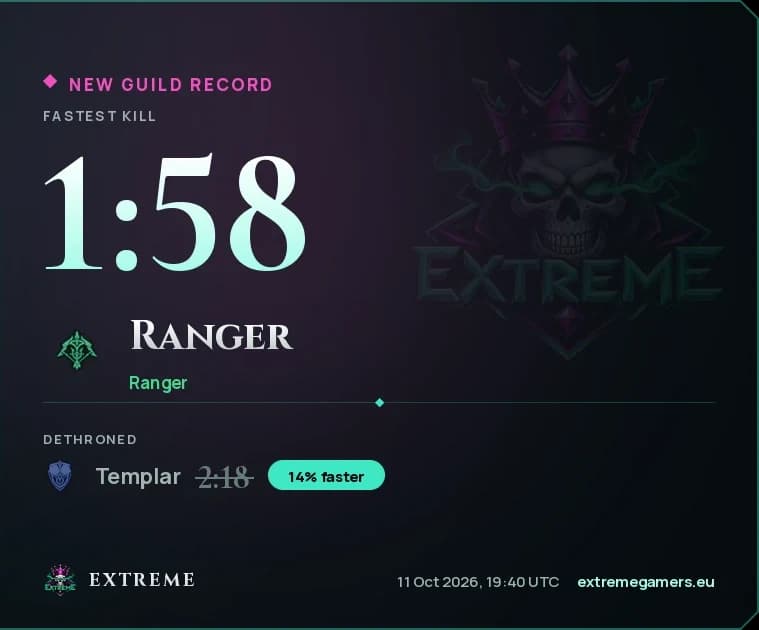
The Hall of Crowns: the guild's fastest kills and best damage on every final boss, and its PvP standing, from members who share theirs.
- Every boss's crown, the best of each class, and who took it from whom.
- A record card goes up on Discord the moment one falls.
- Only your own best is ever sent, and only if you switch it on.



The EXTREME bar
A slim bar over the game: switch the meter and the timers on or off, lock the overlays in place or unlock them to move them, open Settings or the app. It folds down to the crest when you don't need it.
Plainly
Why it is safe
What the app does on your PC and with your account, and what it never does.
What it does
- Reads a copy of the traffic the game server already sends your PC, through Npcap - the capture driver Wireshark uses.
- Keeps your fights on your PC.
- Talks to nobody but the EXTREME site: to check you are still a member, to look for an update, for your timers and the pages you open in it - and, only if you switch it on, to send your own bests.
- Keeps its sign-in encrypted by Windows. Any PC can be disconnected from the site.
What it never does
- Touches the game's memory, files or process.
- Sends a key press or a packet to the game.
- Uploads a fight - yours or anybody else's.
- Asks for your Discord or game password.
NCSOFT has not said whether meters are allowed. No ban for a meter that only reads is known - the ban waves have been for macros and tampered packets - but it is your account and your call.
Four steps
Install it
Install Npcap
Free, from npcap.com. In its installer, tick “Install Npcap in WinPcap API-compatible Mode”.
Get NpcapInstall the app
Download it here and run it. Windows may say the publisher is unknown, since the installer is not signed yet: choose More info, then Run anyway.
Sign in
Open the app and press Sign in. Your browser opens on this site with a code - press Connect.
Pick your overlays
Choose what sits over the game. It shows when Aion 2 starts and hides when it closes. If your character is not on the roster yet, right-click your own row in the meter.
Using it
Modes and keys
The button in the meter's footer picks what it counts. Click it for the next one.
- Boss
- Bosses only, and the one it starts on. Trash between bosses is left out.
- Target
- Whatever you hit last.
- Train
- The training scarecrow, for testing a rotation.
- All
- Everything hit in the last two minutes.
Keys
- Ctrl + Alt + R
- Clear the meter and start over.
- Ctrl + Alt + ↑
- Hide it, or bring it back.
- Click a row
- Open that player's skills.
- Right-click a row
- Tell the meter that row is you.

Become part of something bigger
Join EXTREME
Great people. Many worlds. One banner.